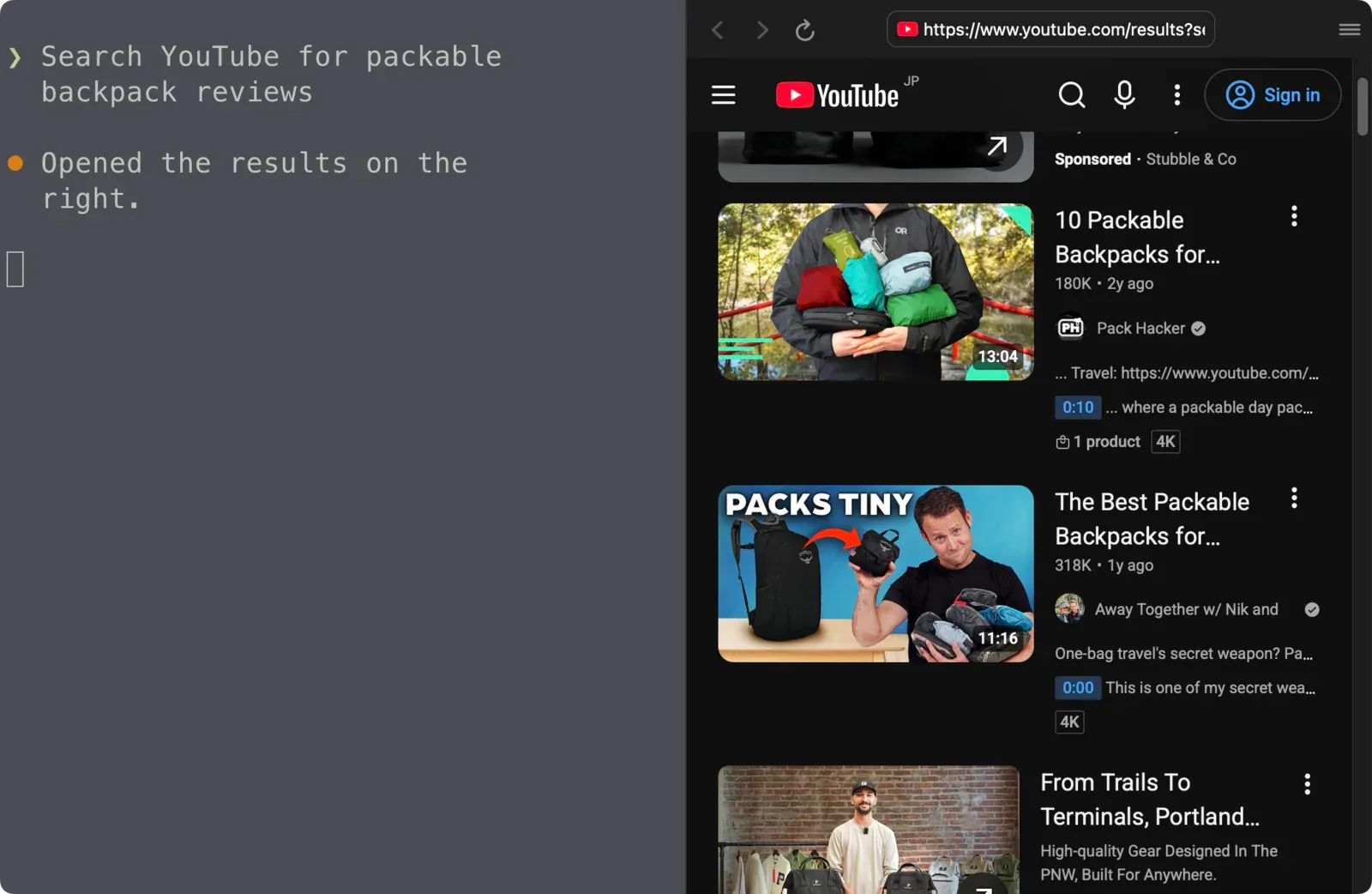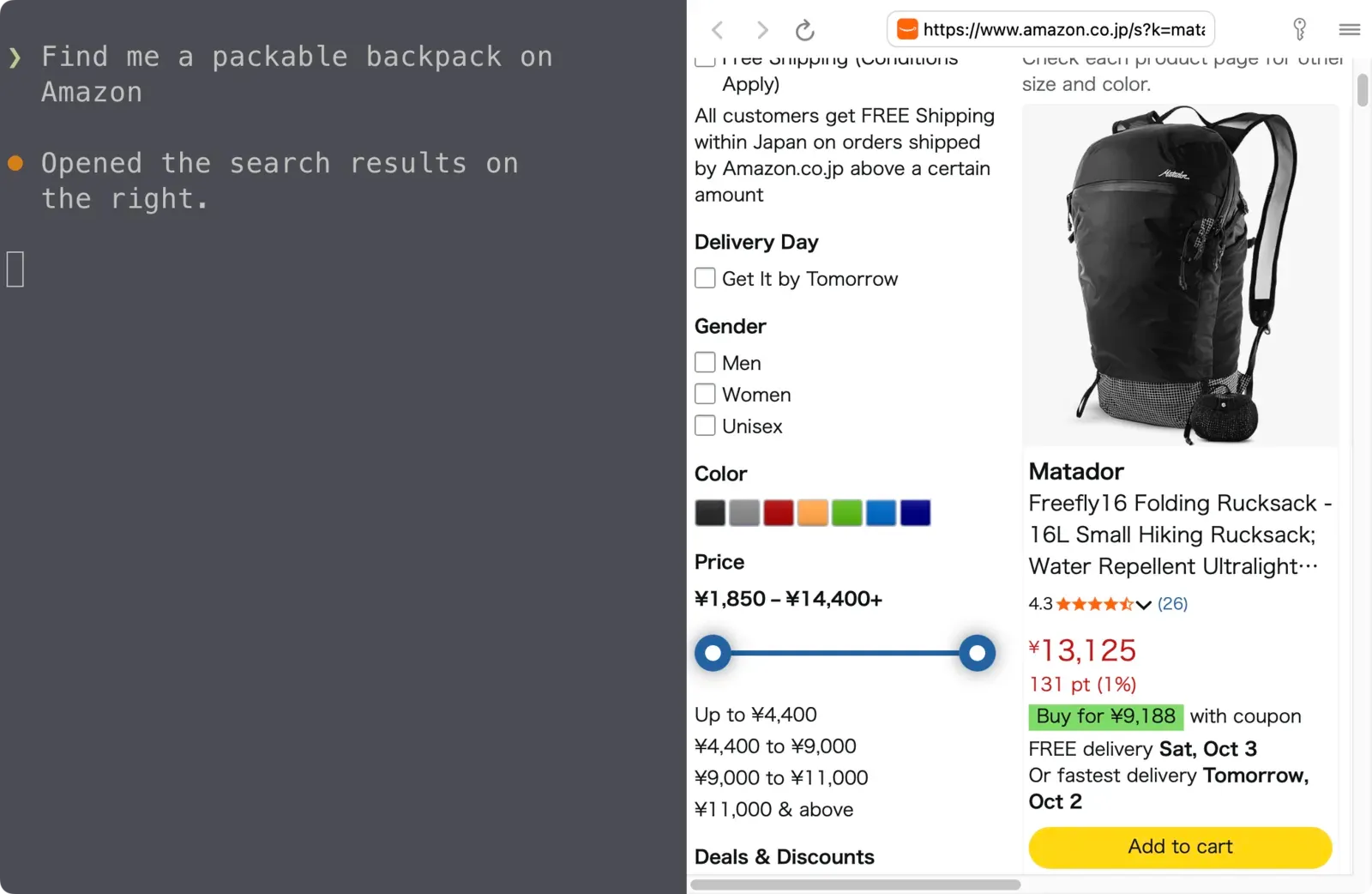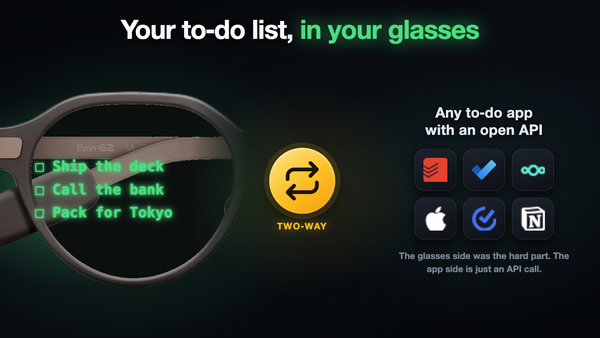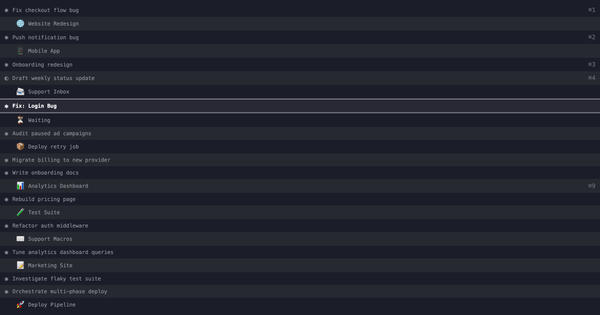
Images, video, websites, and media directly inside the terminal

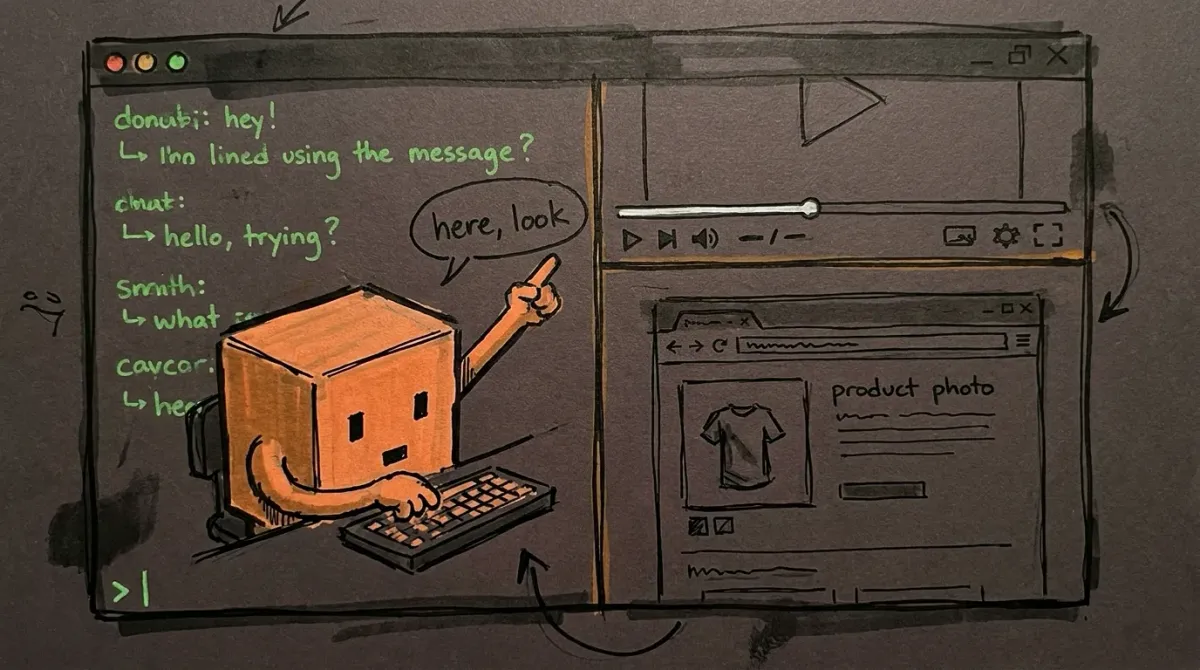
A terminal agent can only print text, so every image, video or web page it finds turns into “here’s a link, go open it”, in another window, away from the conversation. iTerm2 can split a real web browser into a pane, so the agent can just open the thing next to you.
Here’s how to set it up:
🤖 Want an agent to just build this for you? Copy the prompt and paste it at a coding agent like Claude Code or Codex.
⚙️ Requirements
- 🍎 A Mac with iTerm2 3.6 or newer
The browser panes are an iTerm2 feature; Terminal.app and most other terminals don't have them - 🐍 iTerm2's Python API turned on, plus
pip install iterm2 - 🟢 Node or Python, for a small local file server
- 🤖 Any CLI coding agent that can run shell commands
Example: Claude Code, Codex, Gemini CLI
iTerm2 already has a browser
Since version 3.6, an iTerm2 profile can be a web browser instead of a shell (Settings > Profiles > General > Profile Type > Web Browser). A browser session is a normal session: it opens as a tab or a split pane, and it closes like any other pane. Under the hood it’s WebKit, the same engine as Safari.
There’s no scripting API for the browser itself yet, so the whole trick is opening panes that point at the right URL.
Add a browser profile
Don’t click through Settings. Drop a dynamic profile into ~/Library/Application Support/iTerm2/DynamicProfiles/agent-browser.json and iTerm picks it up immediately:
{"Profiles": [{
  "Name": "Agent Browser",
  "Guid": "agent-browser-7c1e",
  "Custom Command": "Browser",
  "Initial URL": "about:blank",
  "Dynamic Profile Parent Name": "Default"
}]}
"Custom Command": "Browser" is what makes it a browser profile.
Open a pane from a script
Turn on iTerm’s Python API (Settings > General > Magic > Enable Python API) and install its package (pip install iterm2). Then split the current pane with that profile and override the start page per call:
import iterm2, sys

async def main(conn):
    app = await iterm2.async_get_app(conn)
    session = app.current_terminal_window.current_tab.current_session
    custom = iterm2.LocalWriteOnlyProfile()
    custom._simple_set("Initial URL", sys.argv[1])
    await session.async_split_pane(vertical=True, profile="Agent Browser",
                                   profile_customizations=custom)

iterm2.run_until_complete(main)
python3 open-link.py https://example.com opens the page to the right of the conversation (iTerm asks once whether to let the script connect). For a pane on top instead, pass vertical=False, before=True. That alone covers websites.
(_simple_set is a private method; the package has no public setter for the start URL yet.)
Serve local files over localhost
The pane won’t load file:// URLs; it stays blank. So local images, video and audio need a tiny web server:
- Bind it to
127.0.0.1only. - Put a random token in every path (
http://127.0.0.1:47823/<token>/...) and reject anything without it, so no other page on your machine can read your files through it. - Support HTTP Range requests, or video won’t seek.
That’s about 70 lines of Node or Python. Start it on demand the first time something needs showing.
Turn on sound
WebKit blocks audio from playing on its own until the user allows it, and iTerm shows an “Allow Once” bar the first time. Its answer is stored in a BrowserPermissions table in iTerm’s browser database, so you can grant it once for your server’s origin:
sqlite3 ~/Library/Application\ Support/iTerm2/browserdb-*.sqlite \
  "insert or replace into BrowserPermissions values
   ('http://127.0.0.1:47823', 'audioPlayback', 'granted', strftime('%s'), strftime('%s'));"
After that, music and video start with sound the moment they open. A keystroke sent through the iTerm API does not count as the user allowing it, so the grant is the only way to do this hands-off.
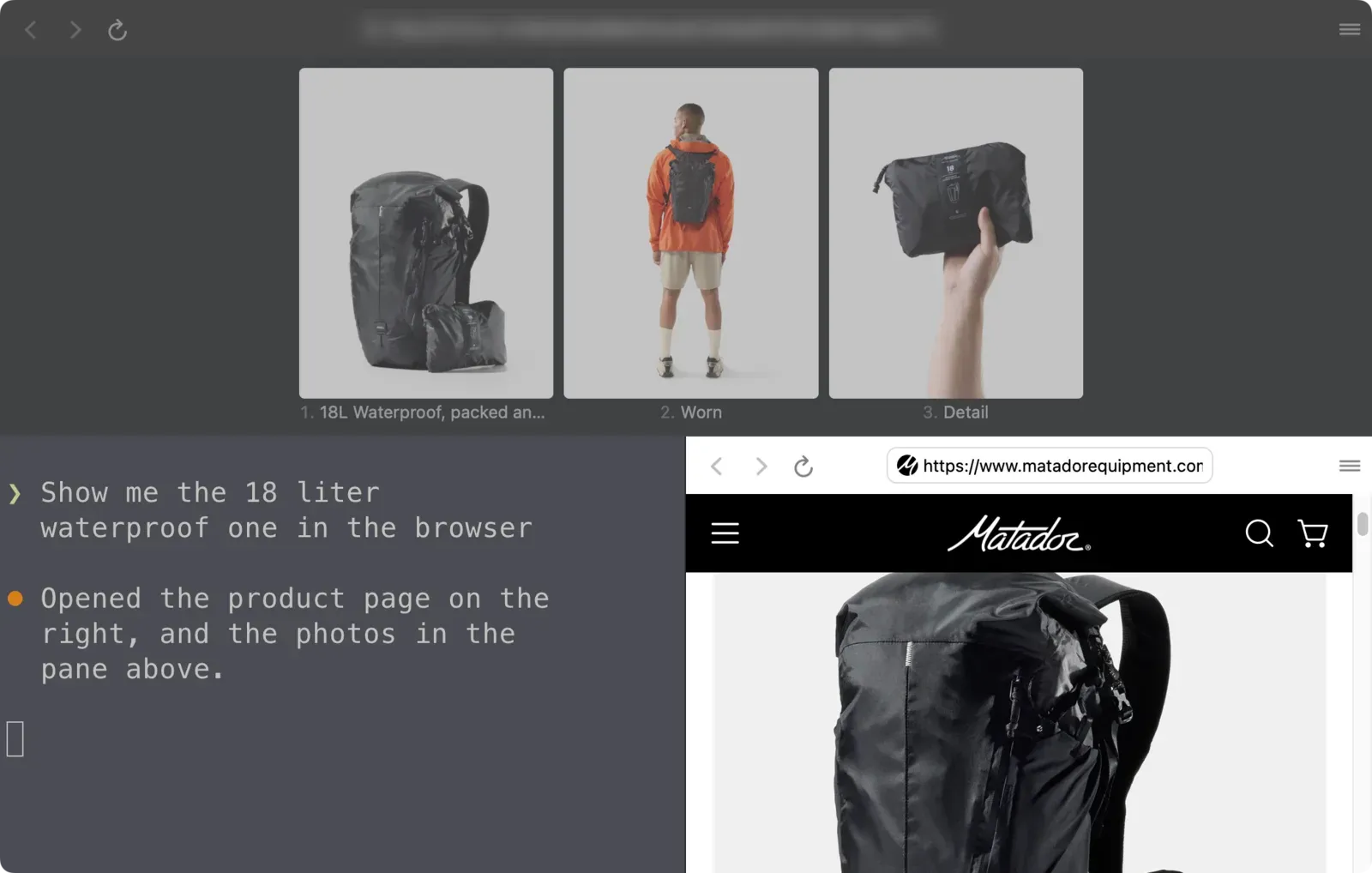
One pane per job: media on top, web on the side
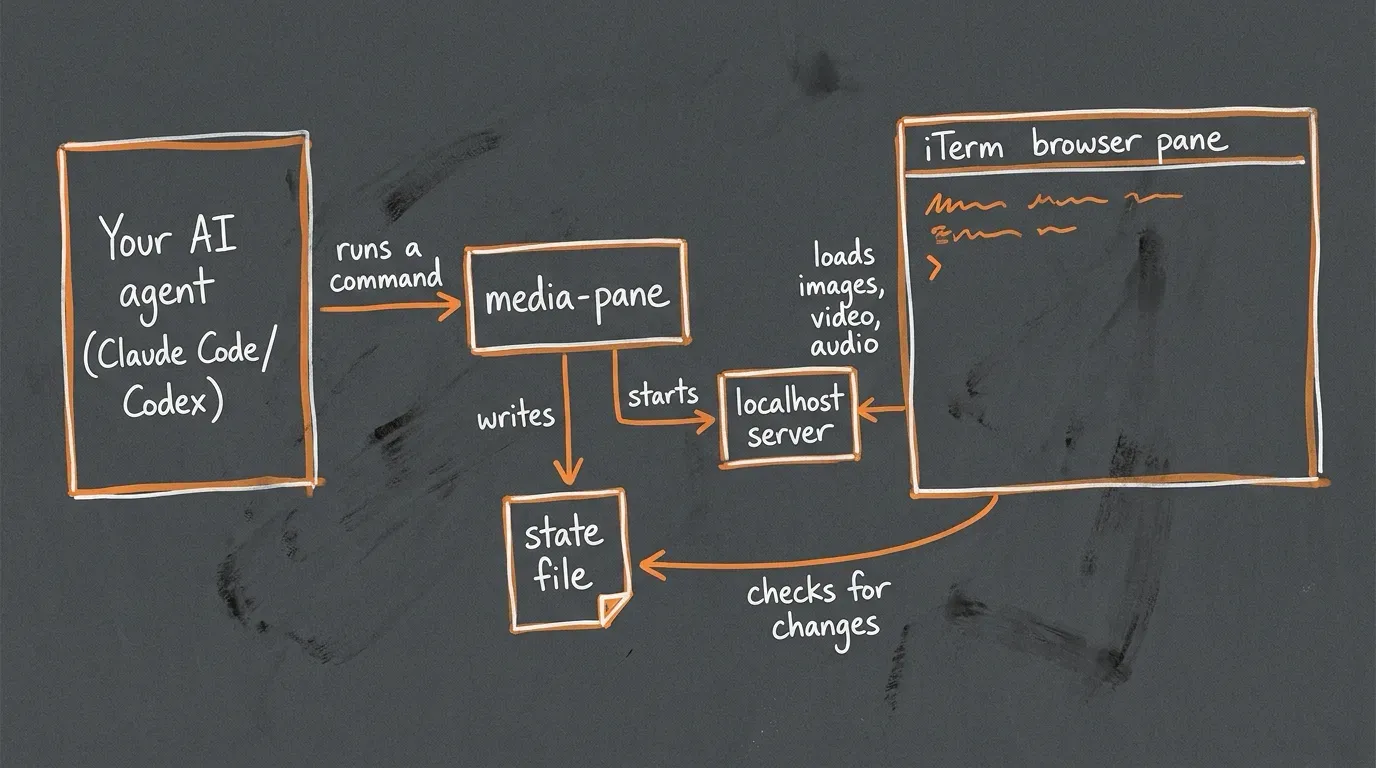
Opening a new split for every image turns the window into confetti after about four calls. Instead, the pane loads one small viewer page that checks a state file every second. Showing something new means rewriting that file: replace what’s there, or add to it. The pane never moves.
My layout:
- Top pane: images, video and music. Several images tile into a grid; clicking one zooms it.
- Side pane: web pages, and markdown documents (rendered to a clean page with
pandoc, which reads a lot better than markdown in a terminal).
One more thing: a pane in a background tab doesn’t run until you look at it. My viewer pings the server when it renders and when playback starts, so the agent can check that the video actually played without taking a screenshot.
Hand it to your agent
Wrap all of this in two commands and tell the agent they exist. Mine are open-link <url> for web pages and media-pane <files> for everything else. One line in CLAUDE.md (or AGENTS.md for Codex) does it:
When you want me to look at a web page, runopen-link <url>. For images, video, audio or a markdown file, runmedia-pane <files>. Don’t just paste the link.
Now when I say “show me the waterproof one”, the product page opens on the right and the photos open on top. When an agent renders a clip, it plays next to the chat. I stopped alt-tabbing out of Claude Code, which was the whole point.